A secure web application VAANI, an AI-powered omnichannel platform that enables businesses to manage customer interactions and analytics in one unified system.
00

problem
The disposition screen is a critical step after every call, but the experience often feels form-heavy and repetitive. Agents need to quickly log call outcomes, yet unclear field hierarchy, too many inputs, and lack of smart defaults slow them down. This increases after-call work time and can lead to inconsistent or inaccurate data entry. Additionally, disposition is meant to capture call outcomes efficiently, but without proper structure and guidance, it becomes a manual burden instead of a productivity tool.
solution
Designed the disposition flow to be fast, guided, and context-aware: Introduced predefined disposition categories (e.g., Resolved, Callback, Not Interested) for quick selection Reduced cognitive load by grouping fields and prioritizing primary actions Added smart defaults & auto-fill based on call context Designed inline validation and feedback to prevent errors Enabled action-triggered workflows (e.g., schedule callback automatically)
When I explored VAANI, I realized it wasn’t just a tool it was a complete ecosystem where campaigns, calls, and insights are deeply connected.
But the experience across key modules—Campaign, Monitoring, and Disposition—felt disconnected, even though they were meant to work together.
In the Campaign module, users could launch and manage outreach, but lacked clear visibility into how campaigns were actually performing.
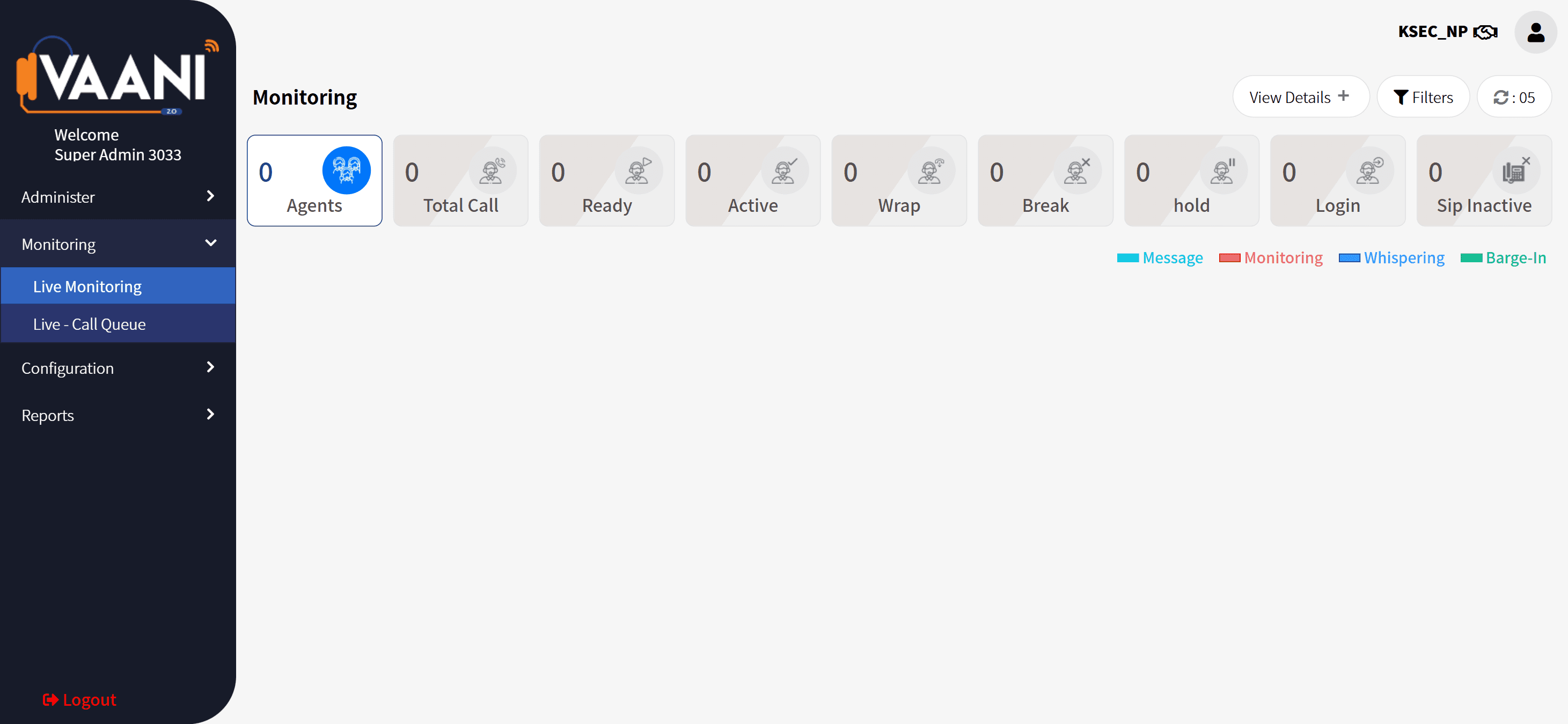
In the Monitoring dashboard, there was real-time data and agent activity, but it felt overwhelming and hard to act upon quickly even though such dashboards are meant to provide instant performance insights.
And in the Disposition module, agents had to manually log outcomes after every call a repetitive task that slowed them down and often led to inconsistencies.
Individually, each module worked.
But together, they didn’t feel like a seamless journey.
year
2021
timeframe
2 months
tools
Figma, Photoshop, Abode XD
category
UI/UX
01

02

03


